
Each season coaches need to ‘register’ within our system in order for us to do the following:
NOTE: Within our new PlayMetrics system coaches and administrators will be ‘added’ to the system by club administrators in order for them to receive a personal email invitation to login and complete their requirements.
- Confirm background check status, and if an updated or new background check is needed you will be automatically redirected
- Have a photo uploaded for player card printing
- Determine SafeSport compliance
- By completing all these steps the final part of the process creates an ‘application’ for you as a coach to be rostered to your team
A brief overview of the steps under PlayMetrics
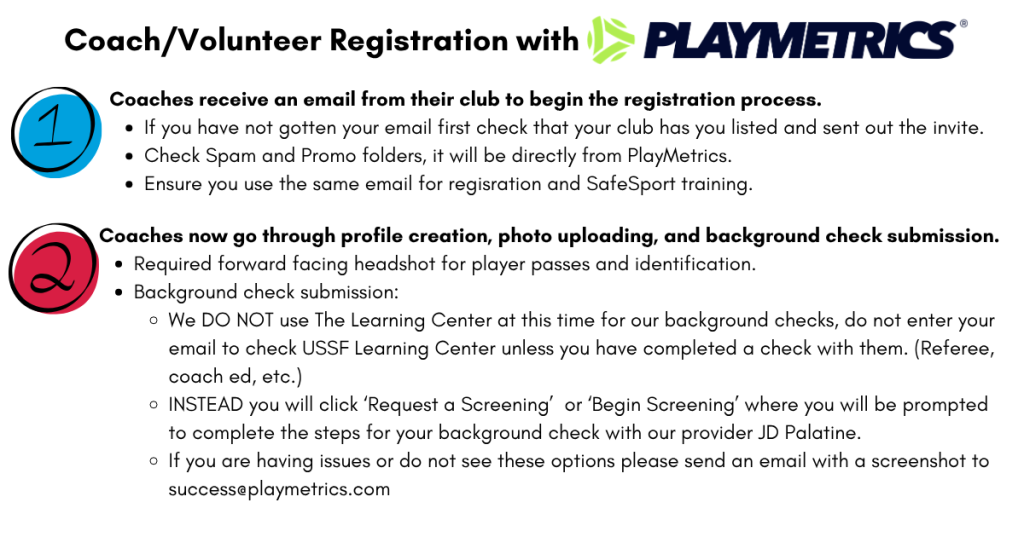
Instructions: How to complete your Risk Management requirements as a member. (After being added by club administrators)
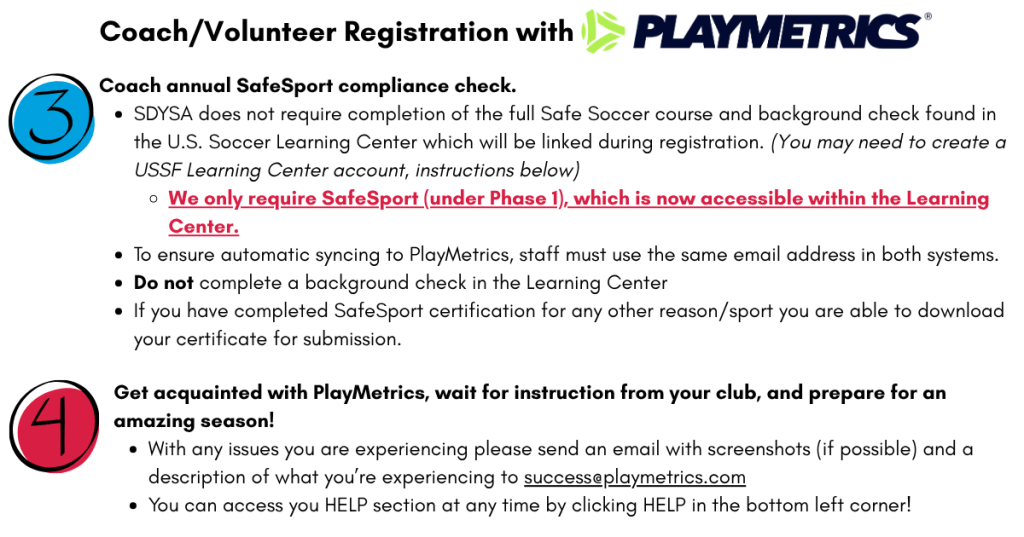
Instructions: SafeSport Guide through The Learning Center. (After being added by club administrators)
With our new registration system PlayMetrics our coach registration process has been changed and SafeSport information will be gathered during registration and housed within US Soccer’s The Learning Center.
Please see below for tips and a linked step by step guide to complete your SafeSport training during registration or access all certificates.
SAFESPORT CERTIFICATION
- SafeSport certification is required for Risk Management approval
- SafeSport certification or refresher must be completed annually
- If you have completed SafeSport certification for any other reason/sport you are able to download your certificate for submission.
- SDYSA does not require completion of the full Safe Soccer course and background check found in the U.S. Soccer Learning Center. We only require SafeSport (under Phase 1), which is now accessible within the Learning Center.
- To ensure automatic syncing to PlayMetrics, staff must use the same email address in both systems.
- Do not complete a background check in the Learning Center
- SafeSport Guide